Mothly Visitors: 406.9K
Categories:
AI-powered artist prompts
Information
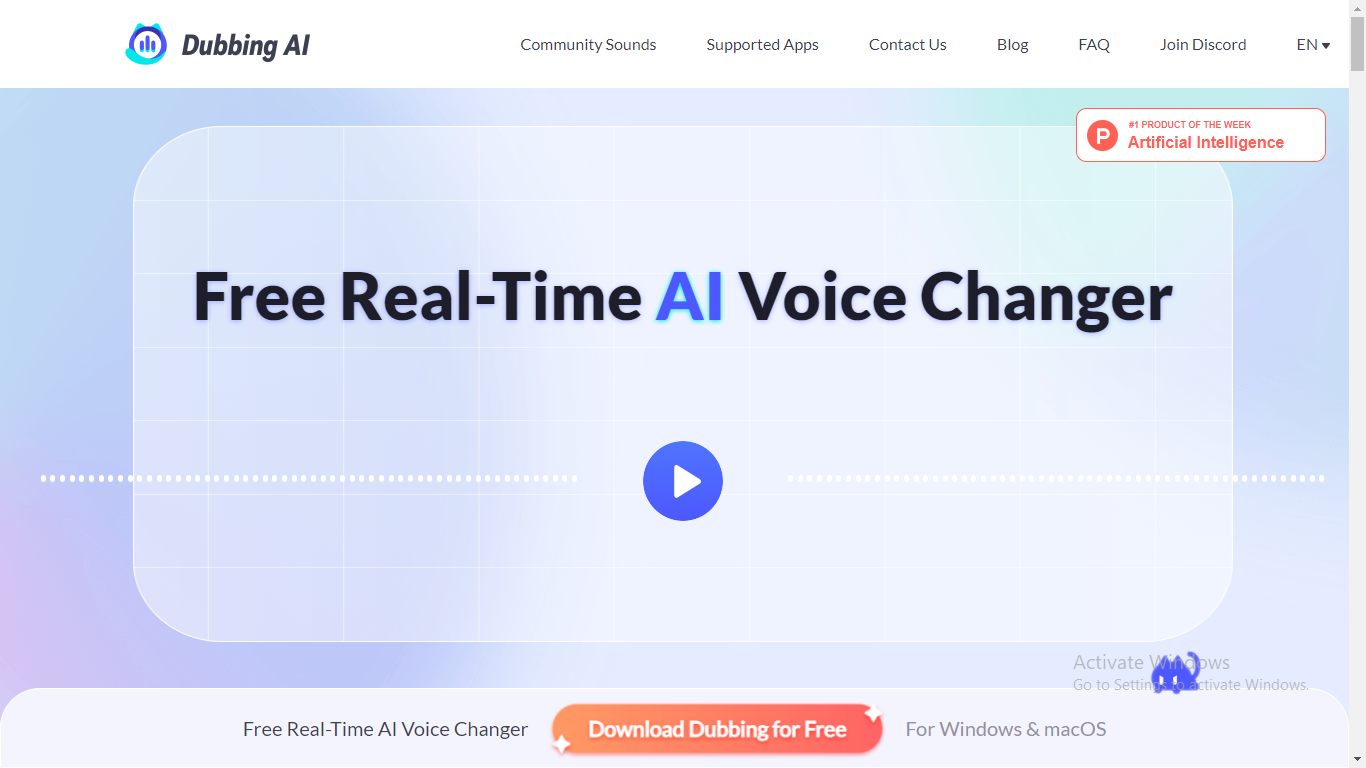
Dubbing AI: What is it? Use AI to change your voice in real time and for free to anyone. How is Dubbing AI used? Toggle on the VOICE CHANGER toggle, select your voice avatar, then launch Dubbing AI. In the audio settings of the app or web-based application you plan to use to modify the voice, choose the “Dubbing virtual device” as the input device.
Instructions
—
Features
AI-powered real-time voice change retains delivery, intonations, and emotions More than 100 languages and 1000 unique AI voices Chat, socializing, and role-playing with more than a thousand characters supports the majority of games and apps. Low utilization and low latency Both PC and mobile systems are compatible. When the voice generation process is finished on the user’s device, data security is guaranteed.
Scenarios
#1 Gaming #2 Streaming #3 Gatherings
FAQ